 Gospelly
Bible verse widget for iPhone
Today’s verse, on your Lock Screen.
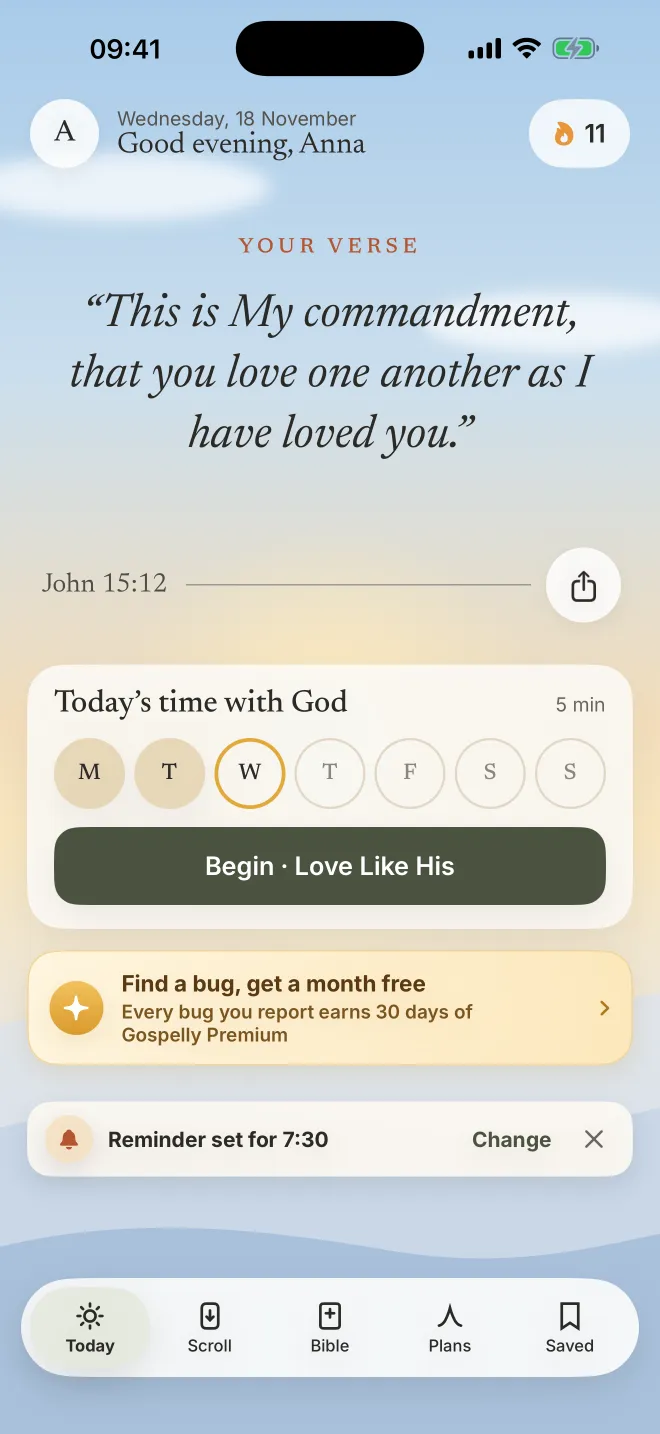
Gospelly’s Verse of the Day widget puts a new verse on your Home Screen or Lock Screen each day, painted in the colours of the sky. Tap it and today’s session opens.
7-day free trial · then $39.99/yr or $7.99/mo
Last updated
How to add it, in four steps.
Touch and hold an empty spot on the Home Screen, or the Lock Screen, until it moves.
Tap Edit, then Add Widget (on the Lock Screen: Customize, then the widget area).
Search for Gospelly and choose Verse of the Day: small, medium or large, or a Lock Screen size.
Touch and hold the widget, choose Edit Widget, and pick the translation and the style.
Widget questions
- Does the widget work without a subscription?
- Yes. The Verse of the Day in the widget is free.
- When does the verse change?
- Each day; the calendar has a verse for every day of the year.
- What happens when I tap it?
- Gospelly opens today’s session: the verse, a reflection and a prayer.
- Which translation does it show?
- The one you pick in Edit Widget: the Berean Standard Bible (the default), the KJV, the WEB or the ASV.
Can I also share a verse as a picture?
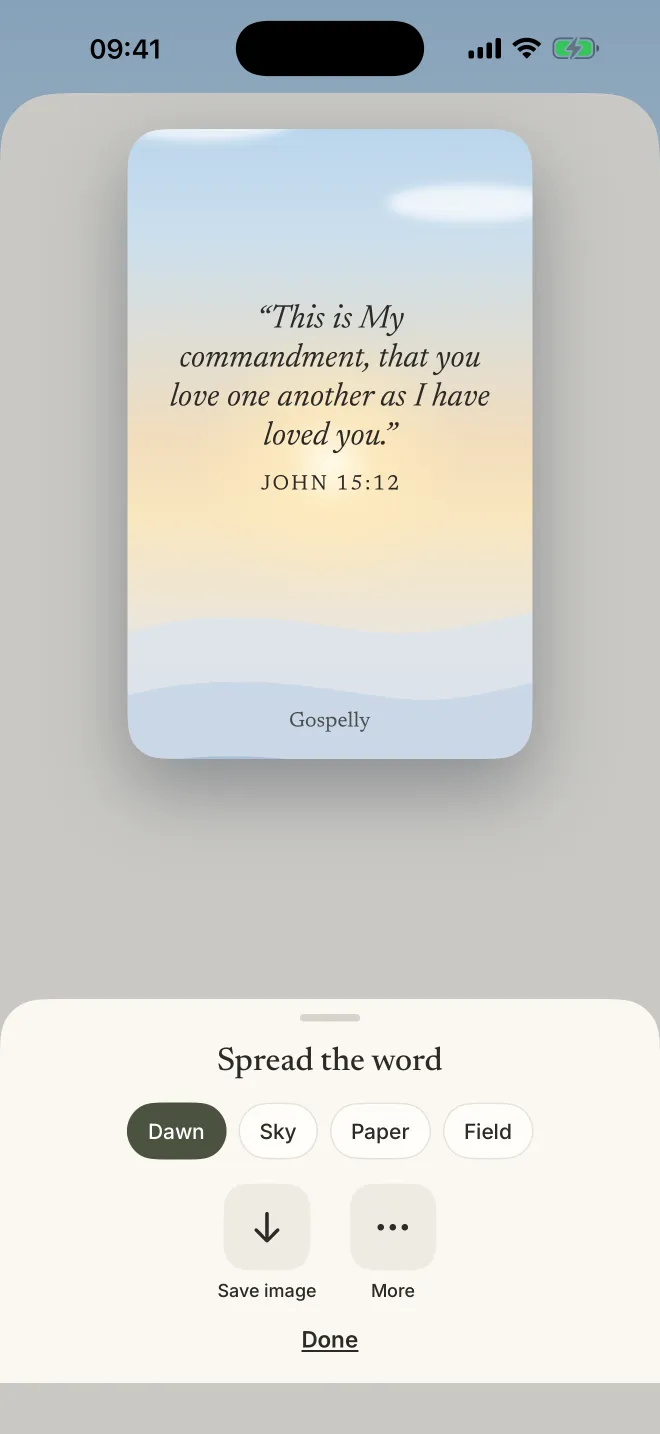
Yes. Tap any verse in the Bible, choose Share, and Gospelly makes a picture of it on a sky (Dawn, Sky, Paper or Field) that you can save or send.
More apps with verse widgets are in our comparison.
Questions
Is there a Bible verse widget for the iPhone Lock Screen?
Yes. Gospelly’s Verse of the Day widget works on the Lock Screen and the Home Screen of iPhones with iOS 18 or later.
Can I choose the colours and the translation?
Yes: touch and hold the widget, choose Edit Widget, and pick a style and a translation.
A verse every morning, before the news.
7-day free trial · then $39.99/yr or $7.99/mo · iPhone, iOS 18